

Have you ever thought about why an office laser printer seems so ordinary when it’s actually doing something significant? On the outside, it’s just a box that spits out paper, but on the inside, it’s running a mix of lasers, static charges, and powdered ink to bring your files to life. That’s what makes them the go‑to choice for fast and reliable printing.
What is Laser Printing?
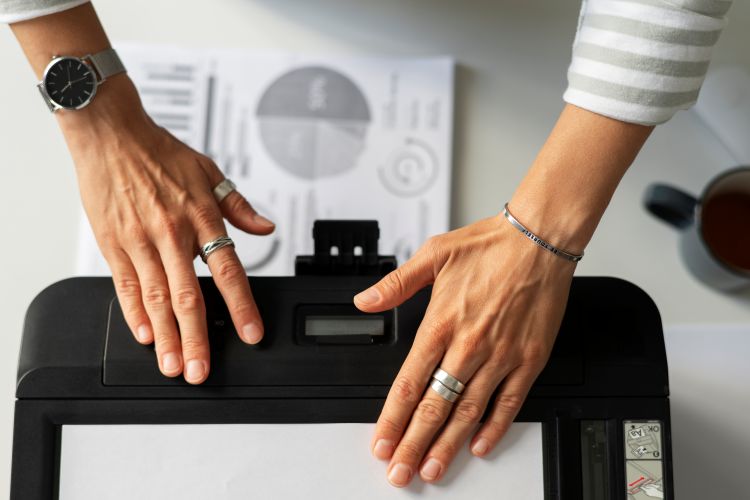
Source: magnific.com
Laser printing is one of the fastest and most reliable ways to print data from your computer, such as text and graphics, onto paper. Using this specific technology when you need sharp and clear results every single time. And for that reason, you’ll find at least one reliable laser printer that delivers professional-quality documents in offices, businesses, and even some households.
What makes laser printing a popular option is its mix of speed, reliability, and versatility. You can handle anything from everyday tasks to more specialised projects without worrying that the quality might gradually lower as the pages go through.
With laser printers, people usually print business documents, reports, and presentations that look polished. It’s also a top choice for printed marketing materials, such as brochures, flyers, and pamphlets. Established brands rely on them for important materials: business cards, labels and stickers. You can even print photographs. Don’t expect gallery-level quality, but they’re still good enough for everyday use.
These printers also find their use in schools. Teachers use them to print handouts, worksheets, and study guides. At home, for personal use, you might use one for art prints, greeting cards, or DIY projects. They’re also the first choice for printing transparencies, legal documents, contracts, and certificates. And if you want personalised stationery or envelopes with your logo, laser printing once again has you covered.
In short, laser printing gives you a dependable way to produce a wide range of materials to balance quality, speed, and efficiency in one neat package.
How Do Laser Printers Work?
The way office laser printers work is actually pretty amazing. They start with the digital file from your computer and turn it into materials you can hold and pages you can physically go through. To do this, the printer uses static electricity, a laser beam, and powdered ink called toner.
- Step 1: Data arrives – You choose the file, click “print”, and then the computer sends a big stream of information to the printer. This is basically the “blueprint” of your page.
- Step 2: Circuit interprets – The process then continues inside the printer in a small computer that decodes the data. This little but mighty part is responsible for the exact look of the page.
- Step 3: Charging the drum – Then, there’s a special high-voltage wire called the corona wire that gives the drum inside the printer a positive electrical charge, kind of like rubbing a balloon on your hair.
- Step 4: The laser draws the image – A laser beam then bounces off a moving mirror and scans across the drum. Wherever the laser hits, the charge flips to a negative. This creates an invisible outline of your page using static electricity.
- Step 5: Toner sticks to the drum – The toner has been given a positive electrical charge, so it clings only to the negatively charged areas. Now the drum holds a “powder picture” of your page.
- Step 6: Paper gets charged – The paper is given a negative charge as it moves in, so it pulls the toner off the drum and onto itself.
- Step 7: Fusing the image – Once that’s done, the paper passes through hot rollers called the fuser, where heat and pressure melt the toner into the paper, locking the image in place.
- Step 8: Printout emerges – Your page slides out and is still warm or literally hot off the press, giving you that satisfying feeling of holding a newly printed sheet.
Now, if you decide to purchase a laser printer of any kind, you know what happens every time you hit “Print”. Your document goes through this mini science show of lasers, charges, and heat, all in seconds, to give you that professional sheet in your hands.
Choosing a Laser Printer for Your Needs
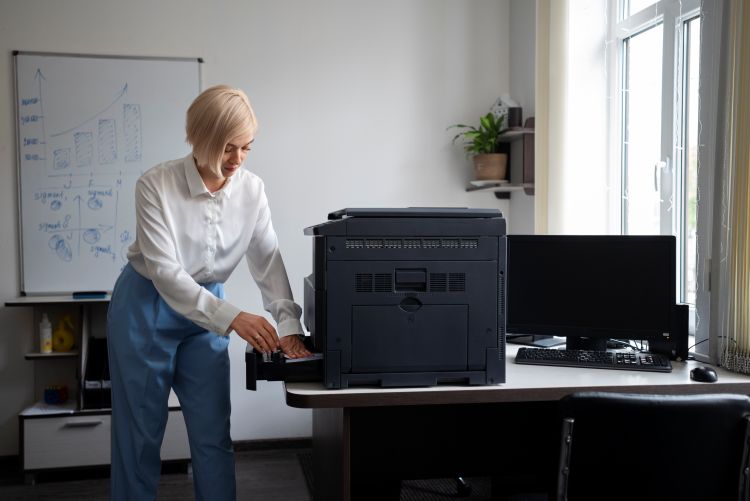
Source: magnific.com
When you’re choosing a laser printer, start with the basics like whether you’ll need to print black‑and‑white documents or something in colour. Monochrome printers are more affordable but still great for everyday documents, while colour models handle presentations, graphics, and photos but can be costly.
Speed matters too. It’s measured in pages per minute (ppm), and for home or small office use, 20-30 ppm will do just fine. However, if you’re working with bigger teams may need to look for laser office printers with 50+ ppm. Print quality (dpi) decides how sharp your text and images look, and paper handling features like duplex printing or an automatic feeder can save time.
Don’t forget the extras, such as connectivity options. Decide whether you want to rely on USB, Wi‑Fi, or Ethernet, and consider the long‑term costs of toner, like maintenance and replacement parts. A printer that balances speed, quality, and affordability will make your life easier, and your prints will look great.
A laser printer is just a smart little machine that brings your digital files to life. It’s fast, reliable, and kind of even a bit cool when you think about the science happening inside every time you hit “Print.” So whether you’re printing documents, flyers, or just a few notes, the right printer can make life easier.